Contents
Let's be honest: following up with leads is tedious. You know you should do it, but between client work, emails, and actually running your business, it's the first thing to slip.
And then you remember that enquiry from two weeks ago. The one you meant to follow up on. The one that's probably gone to a competitor by now.
Sound familiar? Here's how to fix it.
The Follow-Up Problem
Research shows that 80% of sales require at least five follow-ups after the initial contact. Yet 44% of salespeople give up after just one follow-up.
Why? Because manual follow-up is exhausting. You have to:
- Remember who needs following up
- Remember what you last discussed
- Write a personalised message
- Actually send it
- Track whether they responded
- Repeat forever
No wonder it falls off the to-do list.
The Automated Solution
What if every lead automatically received a perfectly timed sequence of follow-ups, without you doing anything?
That's exactly what automation does.
How It Works
- A lead comes in (from your website, a referral, wherever)
- They immediately get a response thanking them and setting expectations
- If they don't reply within 48 hours, they get a gentle nudge
- Still no response after a week? Another touchpoint with added value
- The sequence continues until they respond or you've reached a sensible limit
All of this happens in the background while you focus on actual work.
But Won't It Feel Impersonal?
This is the most common objection, and it's valid. Nobody wants to receive robotic, obviously automated messages.
The secret? Write your automations like a human.
Bad automation:
"Dear Sir/Madam, This is a follow-up regarding your recent enquiry. Please respond at your earliest convenience."
Good automation:
"Hi Sarah, Just wanted to check if you had any questions about what we discussed? I know how busy things get, so no rush, but I'm here when you're ready."
The second one doesn't feel automated because it sounds like something you'd actually write. Use their name. Reference specifics. Keep it conversational.
What to Automate (And What Not To)
Perfect for automation:
- Initial acknowledgement emails
- "Haven't heard from you" nudges
- Appointment reminders
- Post-meeting follow-ups
- Review requests
- Birthday and anniversary messages
Keep manual:
- Complex negotiations
- Sensitive situations
- High-value deals that need a personal touch
- Anything requiring nuanced judgement
Setting It Up
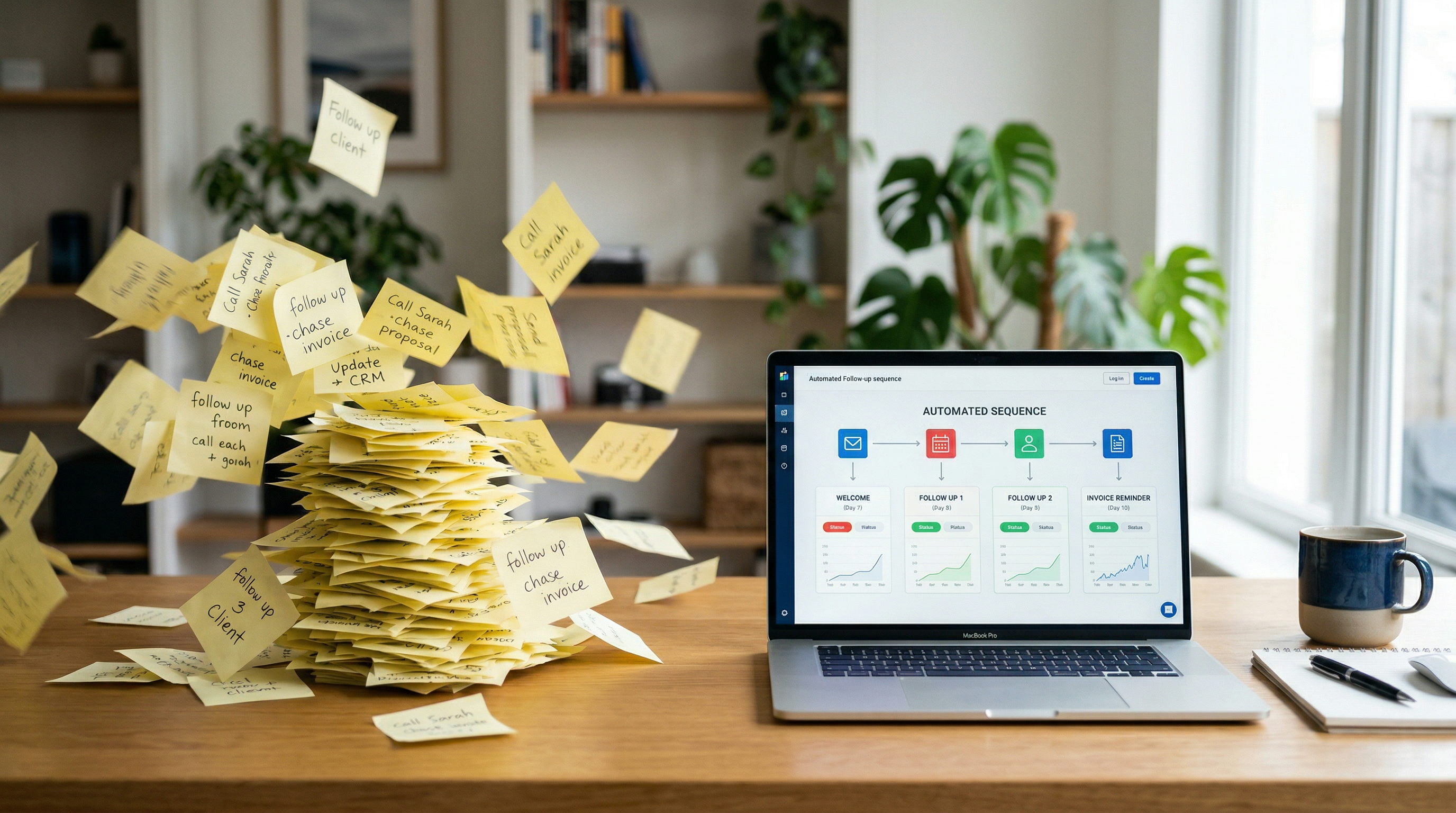
Most modern CRMs have automation built in. Here's a simple starter sequence:
Email 1 (Immediate): "Thanks for getting in touch! Here's what happens next..."
Email 2 (Day 2): "Just checking this didn't get lost in your inbox..."
Email 3 (Day 5): "Here's something useful while you're deciding..." (share a helpful resource)
Email 4 (Day 10): "Last one from me unless I hear back..."
That's it. Four emails that would take you hours to send manually, now running on autopilot.
The Results
Businesses that implement automated follow-up sequences typically see:
- 300%+ improvement in response rates
- Significant time savings (hours per week)
- No more leads falling through the cracks
- Consistent customer experience regardless of how busy you are
The Bottom Line
Following up shouldn't be a full-time job. Set up your automations once, write them like a human, and let the system do the heavy lifting.
Your leads will feel looked after. Your conversion rate will improve. And you'll finally stop waking up at 3am remembering that enquiry you forgot to chase.