Contents
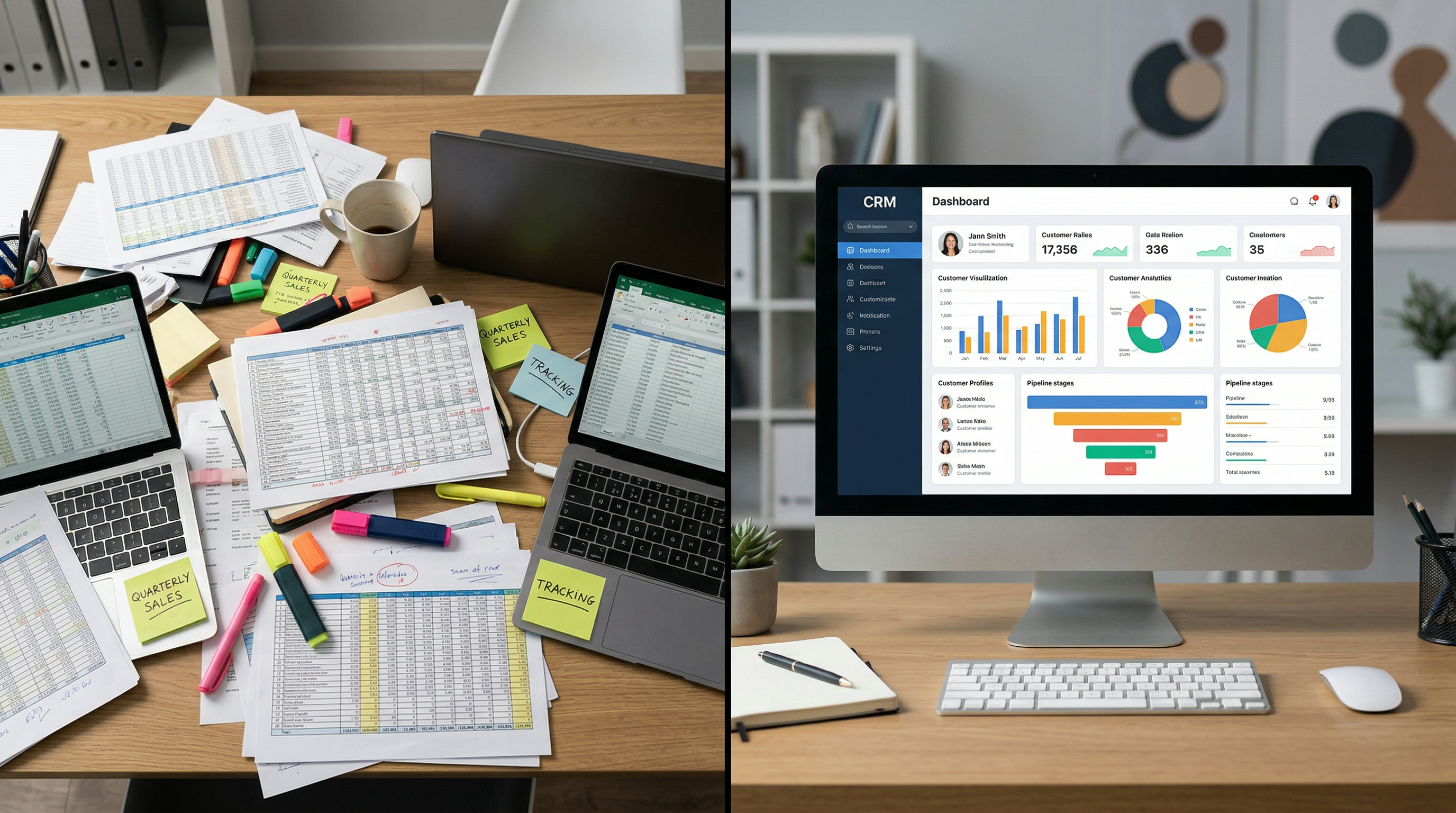
I know you love your spreadsheet. I get it. You've got your colour-coded rows, your filters, your little notes in column G. It's familiar. It works. Sort of.
But it's holding you back. And here's why.
The Spreadsheet Was Never Designed for This
Google Sheets and Excel are brilliant tools. For financial modelling, data analysis, budgeting, project tracking, all great. But managing customer relationships? That's not what they were built for.
When you use a spreadsheet to track leads, you're essentially trying to run a dynamic, multi-step process in a static grid. It's like trying to project manage with a shopping list.
What a Spreadsheet Can't Do
It can't send follow-up emails. You have to remember to do that yourself. And we've already established what happens when you rely on memory for follow-ups.
It can't log conversations. Where's the email thread with Dave? In your inbox. Where's the note from the phone call? In your head. Where's the text message? On your phone. None of it is linked to Dave's row in the spreadsheet.
It can't remind you of tasks. You can colour a row red to mean "urgent," but it won't tap you on the shoulder at 2pm and say "call this person."
It can't automate anything. Every update is manual. Every follow-up is manual. Every status change is manual. In a CRM, half of this happens automatically.
It doesn't scale. Twenty leads in a spreadsheet is manageable. Fifty starts getting messy. A hundred is chaos. You're scrolling, searching, filtering, and still missing things.
It can't track communication history. When a lead calls back after three weeks, you're scrambling to remember who they are and what you discussed. A CRM shows you the full timeline instantly.
What a CRM Gives You That a Spreadsheet Doesn't
A centralised contact database with all conversations in one place. Visual pipeline management so you can see where every lead is. Automated follow-up sequences that run without you thinking about it. Task management and reminders. Reporting and analytics. Integration with your email, phone, and booking system.
A CRM isn't just a fancier spreadsheet. It's a completely different approach to managing your leads and customers.
"But a CRM Is Expensive"
Not really. Many CRMs have free or low-cost tiers. HubSpot has a free version. GoHighLevel starts at less than what you're probably paying for your email marketing tool, and it includes the CRM and about fifteen other features.
Even the paid options typically cost less than the revenue you're losing from poor follow-up and disorganised lead management.
The Transition Isn't as Painful as You Think
I know the thought of moving from your beloved spreadsheet to a new system sounds like a headache. But here's the thing: you don't need to learn every feature overnight.
Start with the basics. Import your contacts. Set up a simple pipeline. Use it for new leads and keep your spreadsheet for historical data. Build the habit gradually.
Within a couple of weeks, you'll wonder why you didn't do it sooner.
When a Spreadsheet Is Still Fine
I'm not saying spreadsheets are evil. If you genuinely have a handful of leads at any one time and you've got a system that works, keep using it.
But if you've got more than ten active leads, if you're losing track of follow-ups, or if you're spending more time updating the spreadsheet than actually talking to leads, it's time to upgrade.
Your leads deserve a proper system. And so does your sanity.