The first thing you see when you log into your account is the Dashboard. It gives you a quick overview of how everything is going, from checking pending tasks to seeing how your contacts are moving through the system. That said, it can feel a bit impersonal or cluttered for your team. Adding a few elements helps bring organisation, clarity, and your own style to it.
To modify your Dashboard, enter Edit mode by clicking the pencil icon.

Then click Add widget, which opens a menu where you can browse the widgets and elements available.
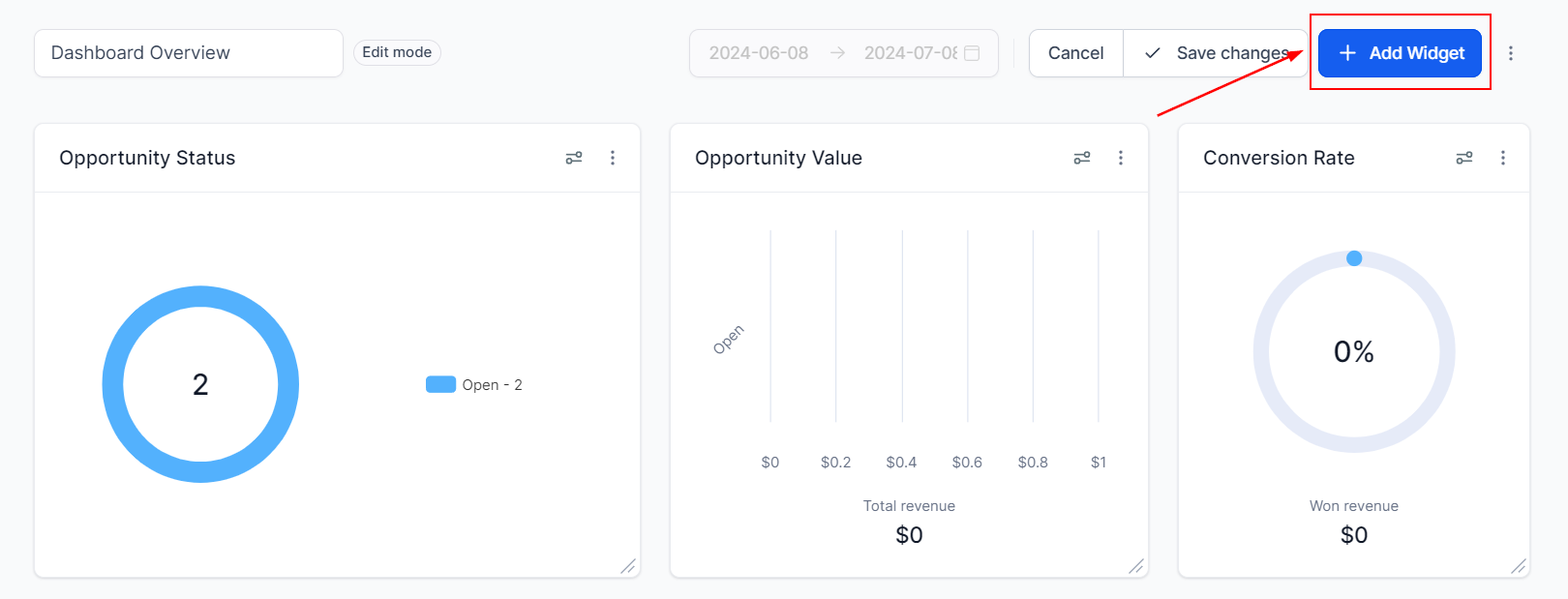
Switch to the Elements tab. From there, you can choose from Titles, Textboxes, or Images.

Once selected, configure the element to suit your needs, then click Save when you're done.
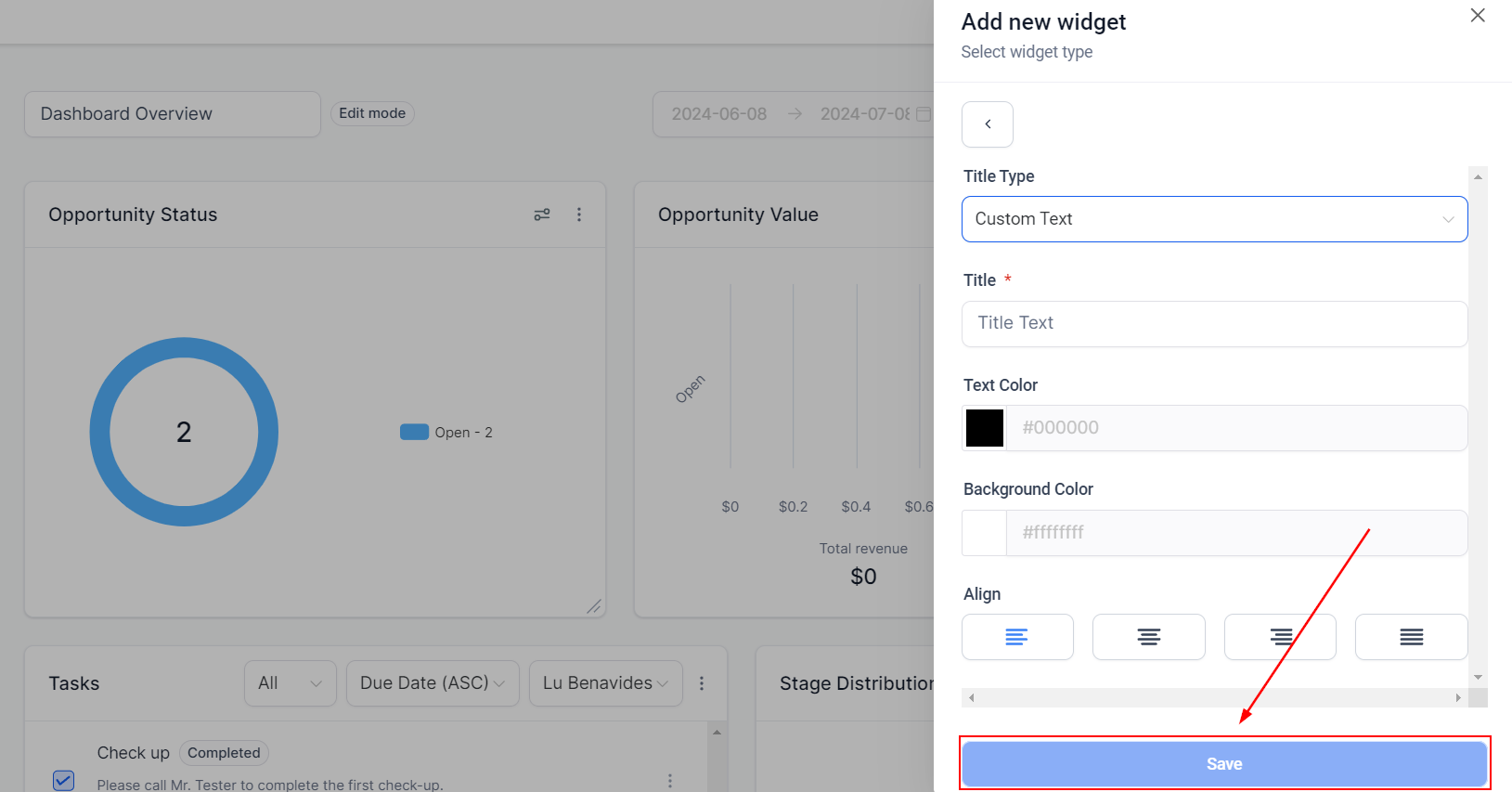
That's all there is to it. You've now got the basics covered for adding elements. If you want to learn more about each element and get the most out of them, have a look through our article library.