Contents
"When are you free?"
"Tuesday or Wednesday work for me."
"Tuesday is good. Morning or afternoon?"
"Afternoon. How about 2pm?"
"Actually, 2pm doesn't work. 3pm?"
"3pm is fine. Wait, I've just realised I've got something. Thursday instead?"
Kill me.
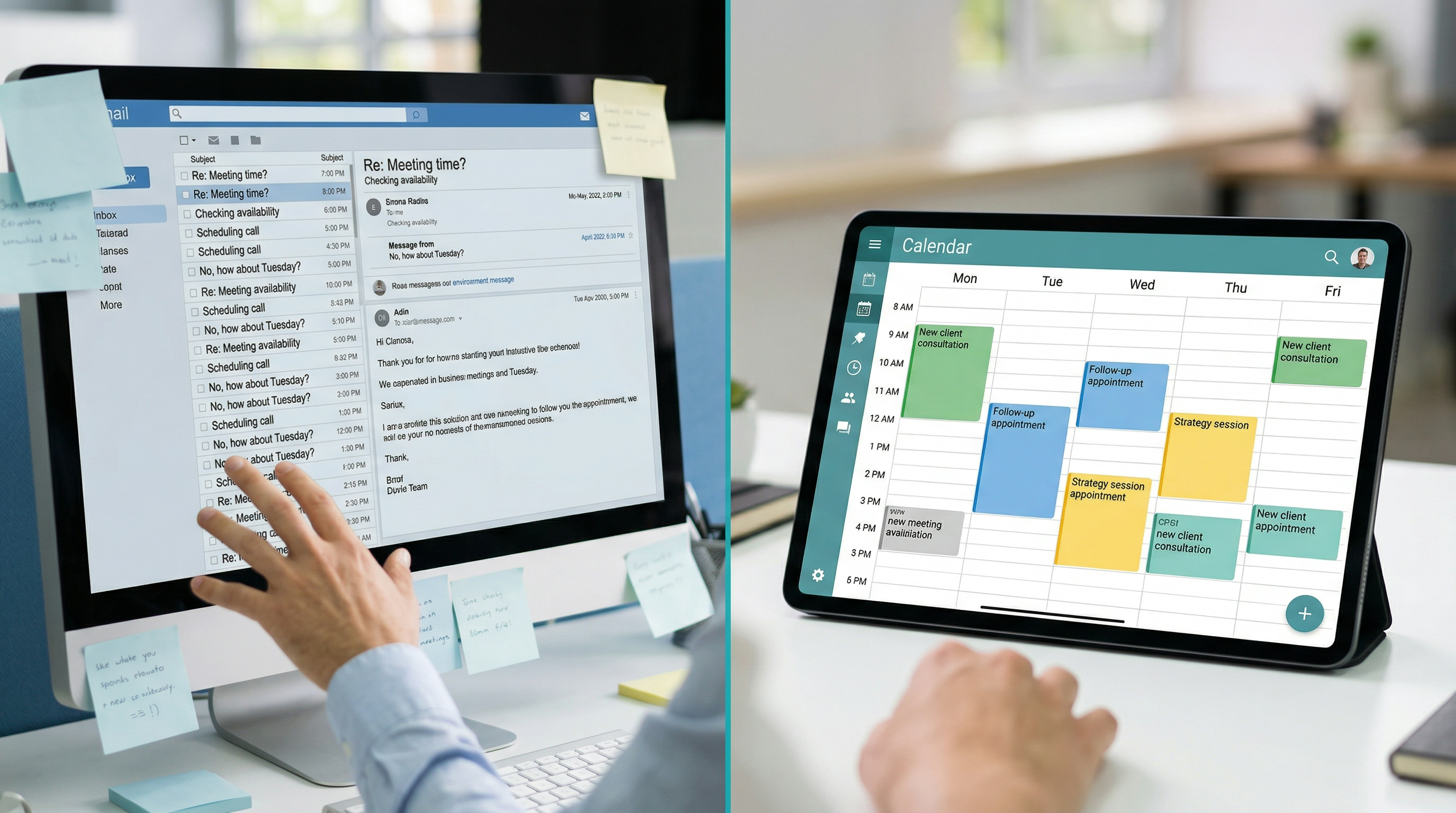
This is email tennis. And if you're still doing it in 2025, you're wasting an absurd amount of time on something that should take about thirty seconds.
The Problem Is Simple
Booking a meeting or appointment should be easy. Someone wants to talk to you. You've got availability. The only thing standing between the enquiry and the meeting is finding a time that works.
Yet somehow this takes four to eight emails, spread over two days, during which the lead goes lukewarm and the enthusiasm drains away.
Every unnecessary step between "I'm interested" and "I'm booked in" is a chance for the lead to get distracted, find someone else, or lose motivation.
The Solution Is Simpler
Set up an online booking system. Share a link. Let people see your availability and book directly into your calendar. Done.
No back-and-forth. No checking diaries. No "I'll get back to you with some times." The lead goes from interested to booked in about sixty seconds.
What a Good Booking System Looks Like
Your booking page should show real-time availability synced with your calendar. When someone books, it should appear in your calendar automatically. Confirmation emails and reminders should go out without you lifting a finger. You should be able to set buffer time between appointments so you're not back-to-back all day. You should be able to block off times you don't want people booking.
Most CRMs now include booking functionality as standard. GoHighLevel does. So do tools like Calendly and Cal.com. The setup takes about twenty minutes.
But Won't I Lose the Personal Touch?
This is the objection I hear most. "I want to have a conversation first before they book."
Fair enough. So put the booking link in your follow-up message, not on the homepage. Let the initial conversation happen, then when it's time to book a call, send the link instead of starting the email tennis.
Or, set up your booking page with a short form that collects the information you need before the call. Name, business, what they want to discuss. That way, when they show up, you're already prepared.
The Automated Booking Workflow
Here's how we set it up for our clients:
Lead fills in an enquiry form. Automated reply goes out instantly, including a booking link. Lead books a call directly into the calendar. Confirmation email and text go to both parties. Reminder sent 24 hours before. Another reminder sent 1 hour before.
The business owner doesn't have to do a single thing until the actual call happens. No manual emails. No diary checking. No tennis.
The Impact on No-Shows
Here's an unexpected benefit. Automated reminders dramatically reduce no-shows. We've seen clients go from 20-30% no-show rates to under 5%, simply by adding text and email reminders.
A text message an hour before that says "Looking forward to our chat at 3pm today. Here's the Zoom link: [link]" does wonders for attendance.
Getting Started
Pick a booking tool that integrates with your calendar. Google Calendar and Outlook both work with most platforms. Set up your availability. Add buffer times. Create a simple booking page. Connect it to your CRM so bookings automatically create contacts and trigger workflows.
Then, everywhere you currently say "let me know when you're free," replace it with a booking link.
Your future self will thank you.