Contents
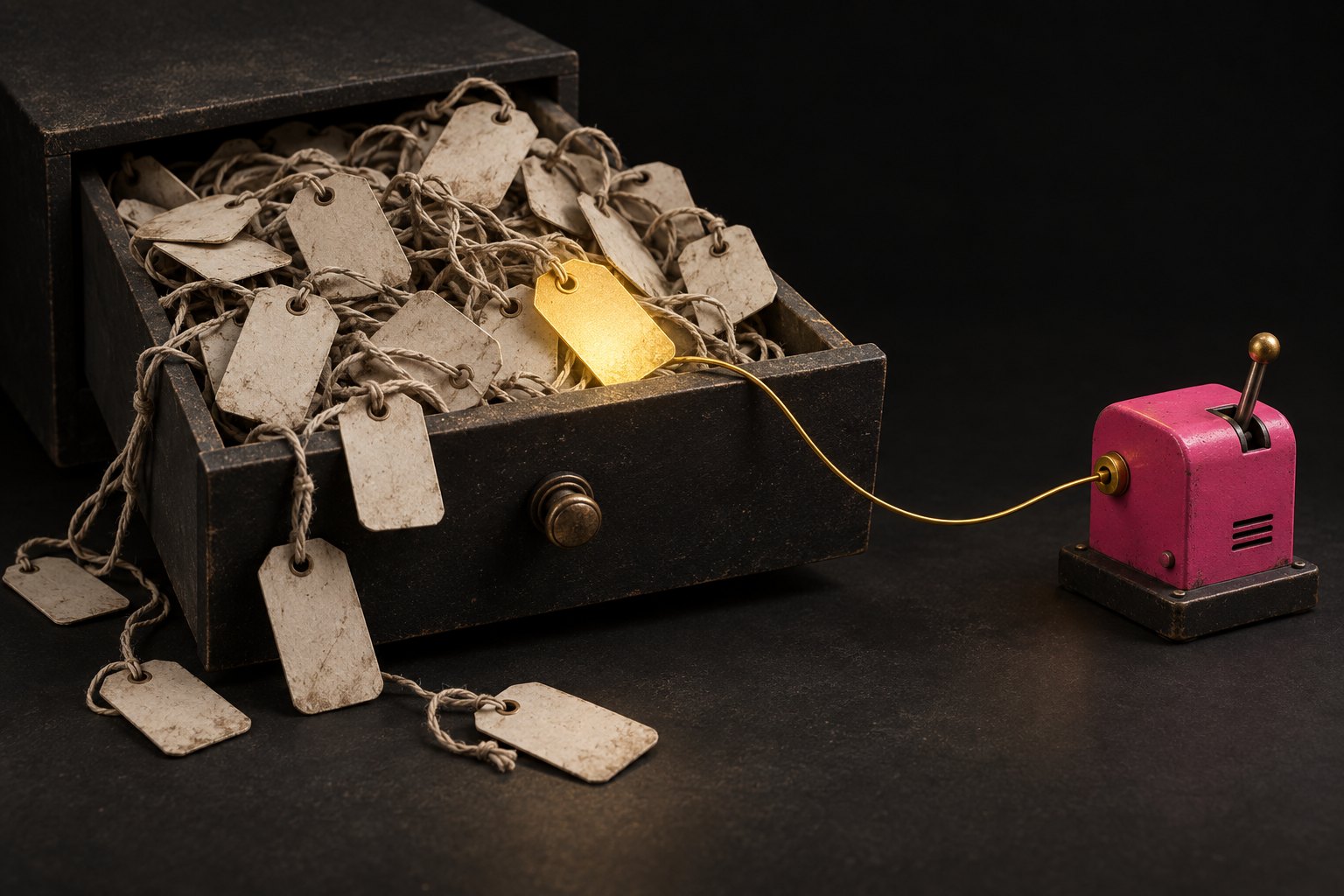
Tags are the junk drawer of every CRM.
You know the drawer. Batteries that might be dead. A key to God knows what. Takeaway menus from 2019.
We opened ours last week. Our own CRM, the one we run NotLuck on, the one we'd tell you is beautifully organised.
429 tags.
173 of them were rubbish. 😂
Where the mess comes from
Nobody sets out to make a mess. Tags pile up one sensible decision at a time.
You run a campaign and tag everyone who clicked. The campaign ends. The tag stays.
You test a new automation and it tags your test contact. Then it tags them again with a slightly different name. Then again.
That last one's not hypothetical. 103 of our junk tags came from a single test run. Between them, they were stuck on one contact. One poor fake person wearing 103 name badges.
The obvious fix (don't do this)
The obvious fix is: find every tag that's on zero contacts, and delete it.
Nobody's using it, so it can't matter. Right?
Wrong. And this is the bit that made us sit up.
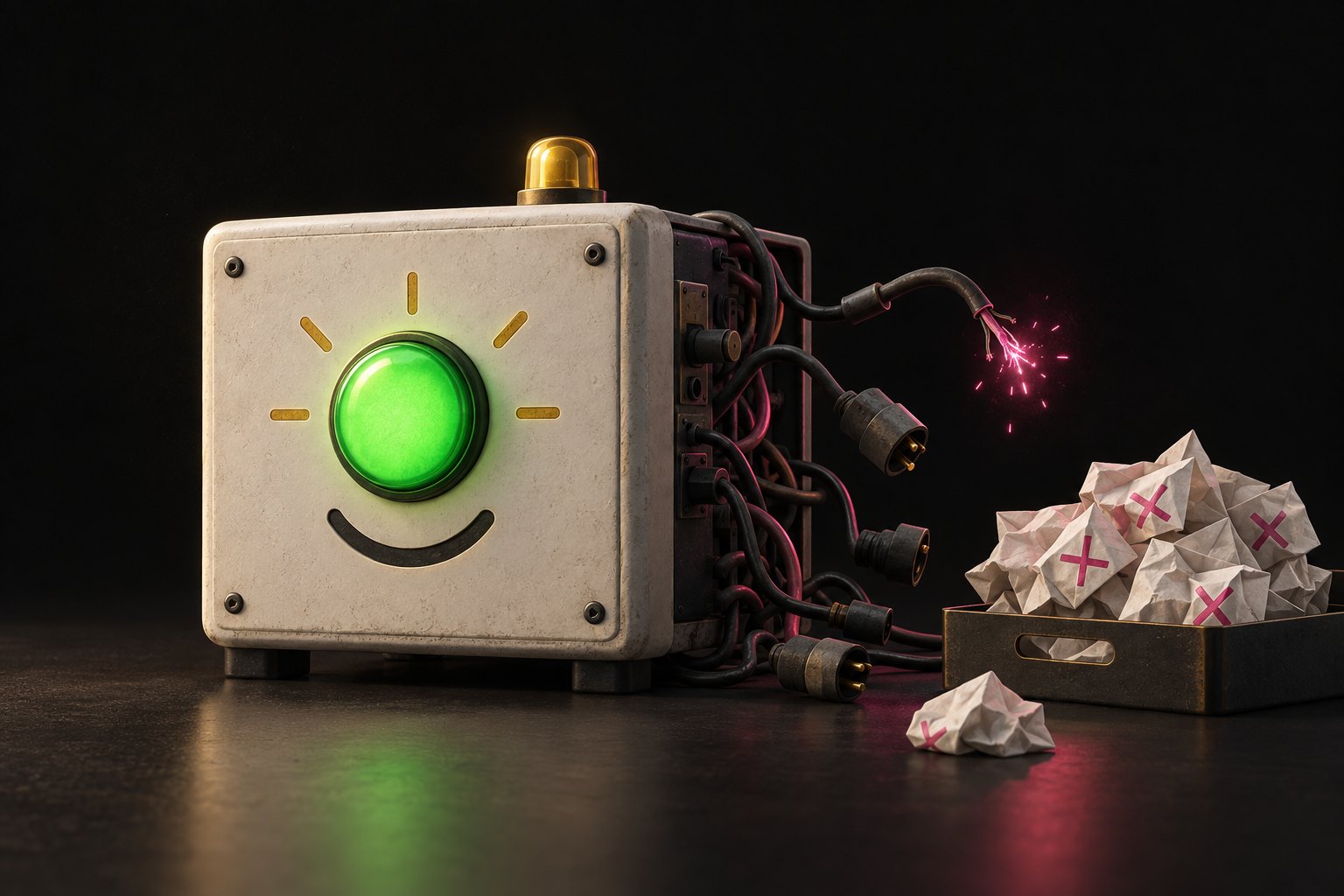
Eleven of our tags were on zero contacts and still wired into live automations. One of them was the trigger for our quote follow-up. The workflow that chases people who've asked for a price.
Nobody had that tag right now because nobody had asked for a quote that morning. The moment someone did, the tag would go on, and the follow-up would fire.
Delete it and the follow-up just... stops. No error. No email telling you. Quotes go out and nobody chases them, and you find out three months later wondering why your conversion rate fell off a cliff. 🤦
The sneaky part
You'd think you could check. Open each workflow, look for the tag, job done.
Except the trigger (the bit at the top that says "start when this tag is added") doesn't always show up where you'd expect. When we scanned our workflows automatically, the first pass read the actions and missed the triggers completely. It reported zero trigger tags. A clean bill of health.
A check that looks clean when it's actually blind is worse than no check at all. At least with no check you know you don't know.
Renaming is even worse
Here's the other one that catches people. You decide to be tidy and rename "quote-requested" to "Quote Requested" so it looks nicer.
If you delete a tag something needed, it tends to fail loudly. Something visibly breaks and someone shouts.
If you rename it, the automation is still sitting there waiting for "quote-requested", which no longer exists. It fails silently. Forever.
We've got 115 live workflows. We don't mass-rename anything. If you want things organised, use folders. Folders only add; they can't break anything.
The four questions a tag has to pass
We now run every tag through four questions. If it can't answer all four, it doesn't get created.
- Does something read it? A workflow, a smart list, or a person who actually filters by it. If nothing reads it, it's a note, and notes belong on the contact, not in a list everyone has to scroll past.
- Does it answer a question someone asks? "Who came from the website?" is a question. "Who was in that clean-up we did in March?" isn't.
- Does it have an owner and an end date? Campaign tags die when the campaign does. About half our junk was old campaigns nobody tidied up.
- Is it an ID in disguise? If you're making one tag per person, stop. That's what fields are for.
How to delete safely
Two checks, never one:
- No contact has it, and
- No workflow uses it: as a trigger, as an action that adds or removes it, or as a condition.
Check triggers separately. Check again the day you delete, not from a list you made last week.
And a few tags we never touch, however dead they look: anything to do with do-not-contact, unsubscribes or spam. Deleting one of those doesn't tidy anything. It un-suppresses real people who asked you to leave them alone. That's not a tidy CRM, that's a complaint waiting to happen.
The point
A messy CRM isn't a moral failing. Ours was messy and we do this for a living.
But "nobody's using it" is a guess, not a fact. Check the triggers, use folders instead of renaming, and put a sell-by date on every campaign tag.
Your future self, the one wondering why quotes stopped getting chased, will thank you. 💪