Connecting TikTok to your CRM gives you real-time lead syncing, better data accuracy, and a faster way to follow up with prospects. You can personalise outreach based on how people interact with your ads, and get clearer insight into lead behaviour and campaign performance. This guide walks you through connecting your TikTok business account and setting up a workflow to capture and manage TikTok leads directly in the CRM.
Adding Your TikTok Business Account
Go to the Integrations section in your CRM and click the Connect button for TikTok.

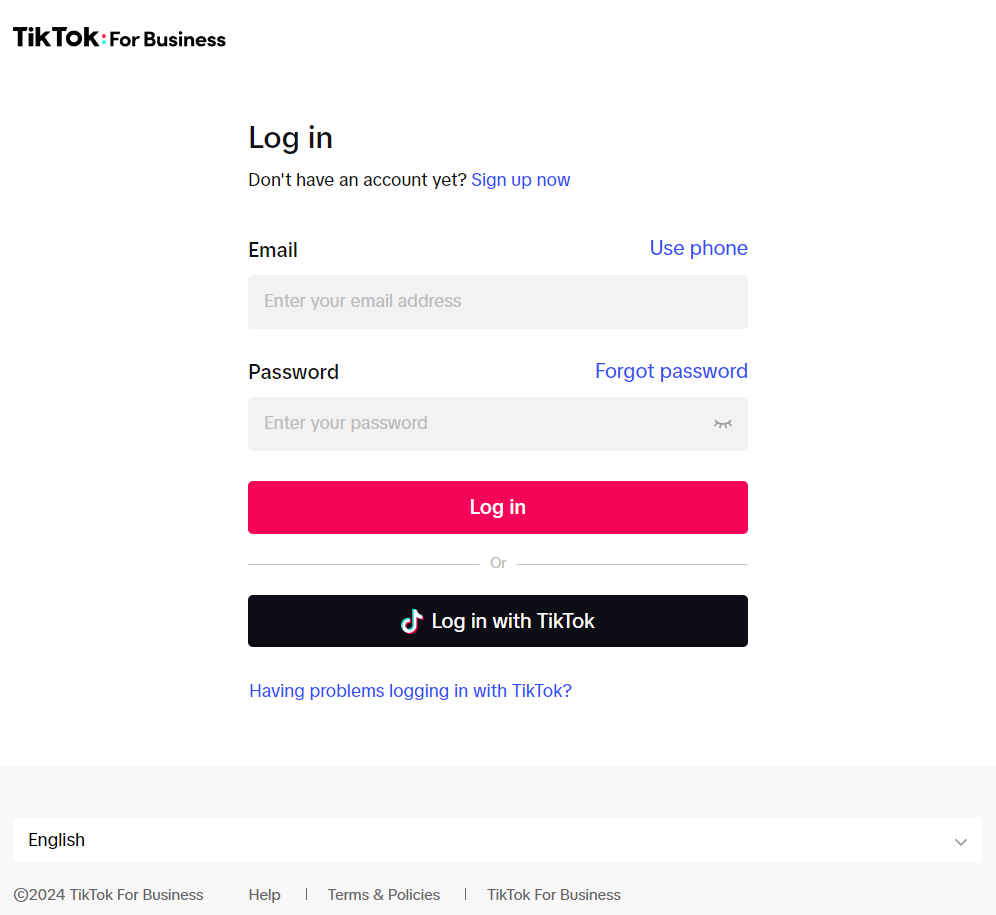
You'll be prompted to log in or sign up with your TikTok business account.
Allow Permissions
Review the permissions shown in the modal. Once you're happy they match what you need, click Confirm. This step ensures the CRM can access TikTok fully without any issues down the line.

Finalizing the Integration
On the Integrations page, click "Manage" to select the Ads Account.

Select the appropriate account from the dropdown menu and click Save.

Once selected, the tab will close and your TikTok business account will be connected to the CRM.
You can change the advertiser account at any time by repeating these steps.
Map Fields and Create Custom Fields
After connecting your TikTok business account, click the three-dot icon and select Form Field Mapping.

Inside the module, click "Map Fields."

Once you've mapped all the fields, click Confirm.

Click Save to apply the changes.

📌 Note: Currently, multi-select options for TikTok Lead Ads are not supported. Custom fields supported for TikTok Lead Ads, such as TEXT, LARGE TEXT, NUMERICAL, PHONE, MONETARY, SINGLE OPTIONS, and DATE.
Create Your TikTok Lead Ads Workflow
After completing field mapping, go to "Workflow" under the Automation section to create your TikTok Lead Ads Workflow.
Make sure the workflow includes the TikTok Form Submitted trigger, then add the relevant workflow actions.

Following these steps, you'll be capturing and managing TikTok leads directly in the CRM.
Frequently Asked Questions
Q: What if my TikTok leads are not appearing in the CRM?
- A: Double-check that the field mapping is correctly set up and that the custom fields align with the information collected through TikTok Lead Ads. Also, verify that the workflow trigger is accurately configured.
Q: What should I do if I change a question on my Lead Ad Form during a live campaign? 
- Access your account settings and create a custom field for the new response type. After setting up the custom field, return to the 'TikTok Form Fields Mapping' tab, click the edit button, and select the newly created custom field to update the mapping.