Receiving payment can kick off a whole chain of steps with your clients, from fulfilling orders to upselling or granting access to specific offers. Keeping track of everything afterwards can get overwhelming quickly, but that's where the CRM comes in. This trigger lets you automate what happens after payment is received, taking a lot of the manual work off your plate.
Building the Workflow
To start, create a new workflow. Head to the Workflows tab inside the Automation section and select the "+ Create Workflow" button. You can build from scratch or use the premade recipes.

When building a workflow, select the trigger Payment Received. You can find it in the Payments section or by searching for it in the search bar.

Filters
Now let's set up the filters. This is optional, but it helps you narrow down when the workflow is triggered. The three main ones are:
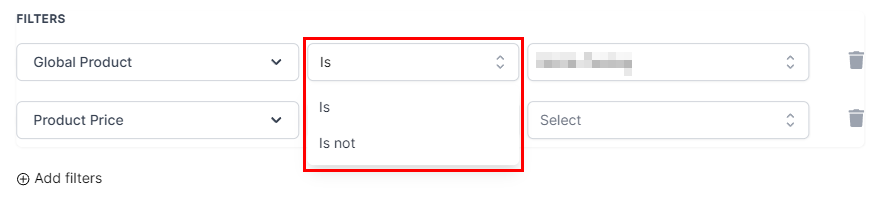
Global Products
This lets you limit the automation to a specific product, or use "Is Not" to exclude particular products from this workflow. You can also narrow it further by choosing a price for the product.
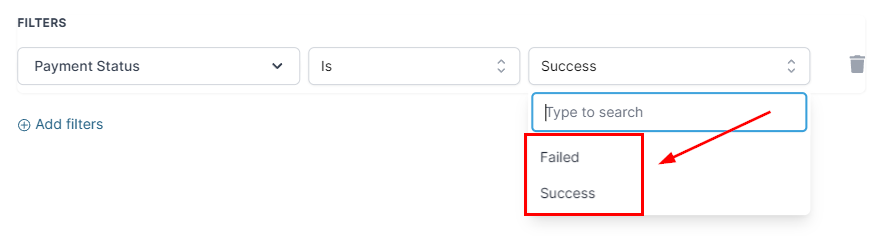
Payments Status
This lets you separate between successful and failed payments.
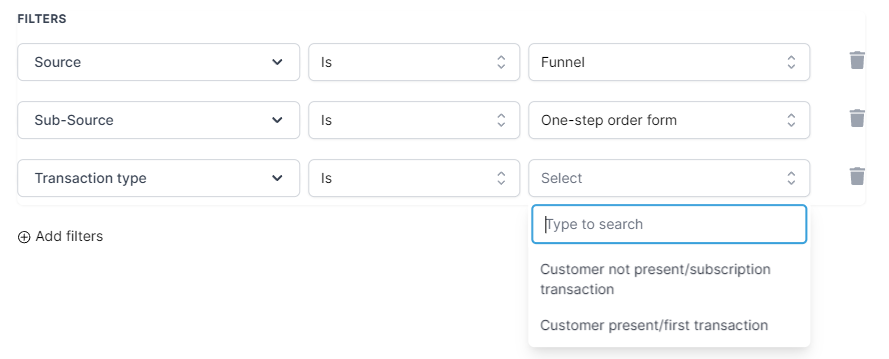
Source
This limits the automation to trigger only if the payment came from a particular source, such as Website, Form, and so on. By adding a Sub-Source filter, you can narrow it down to a specific one. With Funnels and Website, you can also filter out repeated payments from first-time payments.
Using If/Else Action
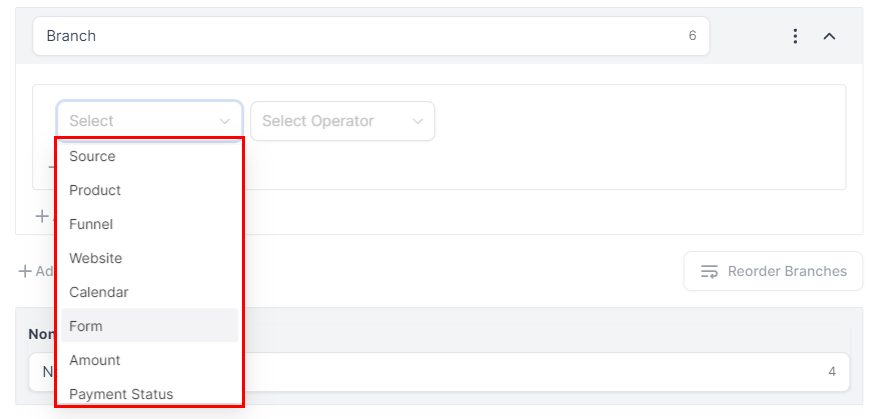
When using the If/Else action with this trigger, you can branch your contacts using the same filters as the main trigger. You can also use the payment amount as a condition, and the sub-source can be set directly without selecting Source first.

In the dropdown, you can select the channel where you want to receive payment information.
And that's it, you're ready to use the Payment Received trigger. No more worrying about forgetting to send out the product or following up with customers to complete the service; add the steps you need and the system will handle it for you.