If you haven't connected any social media accounts yet, click the LinkedIn icon in the wizard and use the 'connect' button. It's a quick, straightforward way to get started.

If you already have an account connected, click "+ Socials" to begin the setup process.

After clicking Connect Social, you can choose to add a LinkedIn Personal or Business Account.

Log in to your LinkedIn Profile
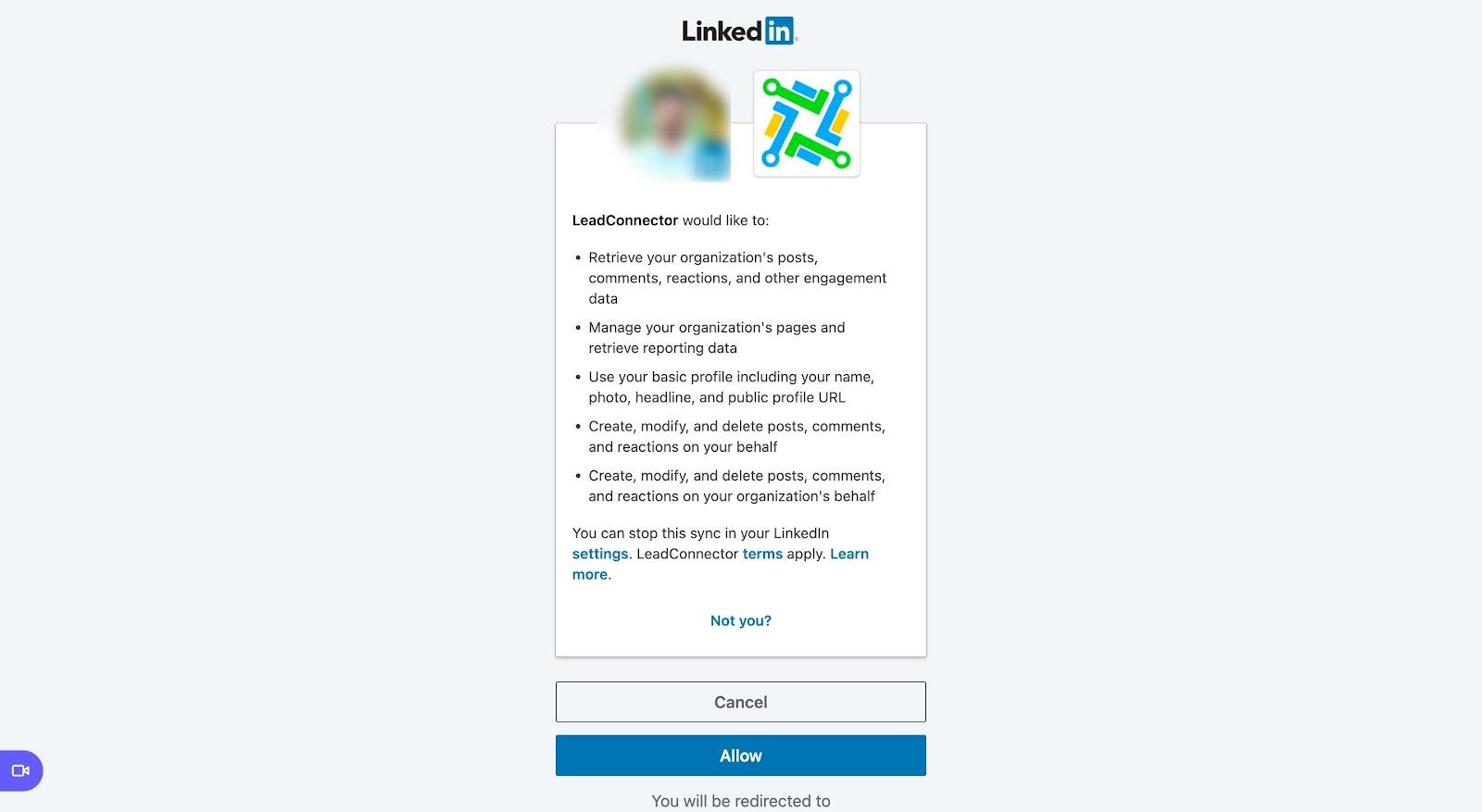
If you're connecting LinkedIn for the first time in Social Planner, you'll need to grant Lead Connector permission. Click the blue Allow button to let Lead Connector connect to your LinkedIn account.
Once you've selected the correct account to link, you can access and manage your content through Social Planner, with full control over your content scheduling and social media management.